When organizations evaluate panic buttons for their staff, they often begin with one question: Can someone discreetly call for help?
That capability is essential, but pressing the button only starts the response. Administrators, security teams, and emergency responders may still need to know who activated the alert, where the incident is occurring, which communication channels to activate.
In schools, healthcare facilities, hospitality properties, industrial sites, and commercial campuses, a standalone notification may not provide enough information. Organizations need connected emergency communications that turns an alert into a coordinated workflow.
The wearable panic button initiates the alert. The communication ecosystem behind it helps people understand what to do next.
A Panic Button Is the Beginning
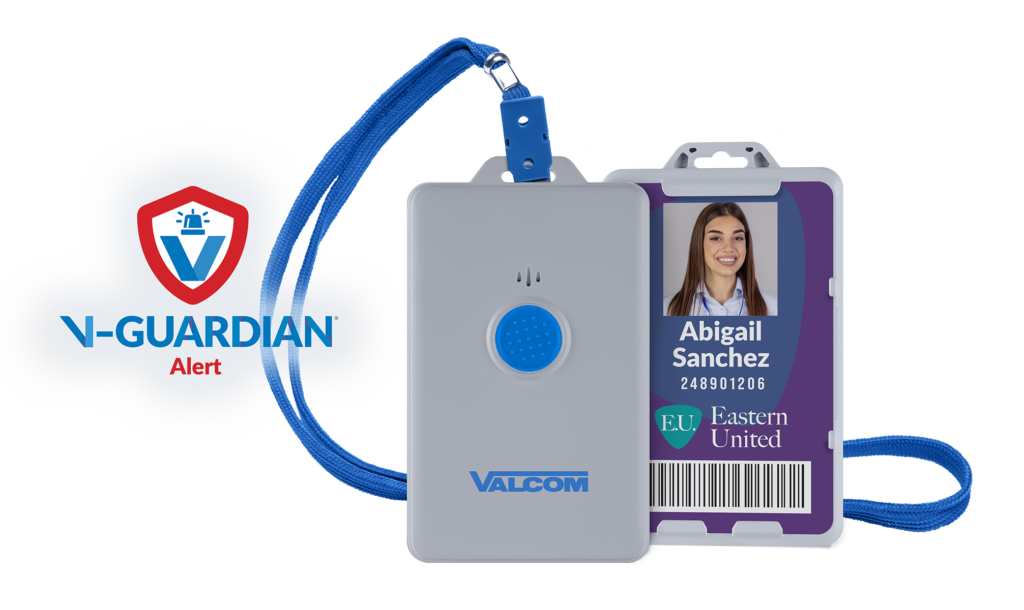
Wearable panic buttons give authorized employees a discreet way to request assistance during emergencies, security threats, workplace violence incidents, behavioral crises, and other urgent situations.
Some solutions stop after sending a text message or email. That may notify a recipient that something happened, but it can leave critical questions unanswered:
- Who activated the alert?
- Where is the person who needs assistance?
- What level of response is appropriate?
- Which staff members, security teams, or outside responders need notification?
- Which communication systems should activate?
- Have you received feedback confirming that your alert was sent?
A connected platform can provide this context and initiate predefined actions, helping teams respond with less uncertainty.
Real-Time Location Awareness Helps Responders Go to the Right Place
Knowing that someone needs help matters. Knowing where that person needs help makes the alert more actionable.
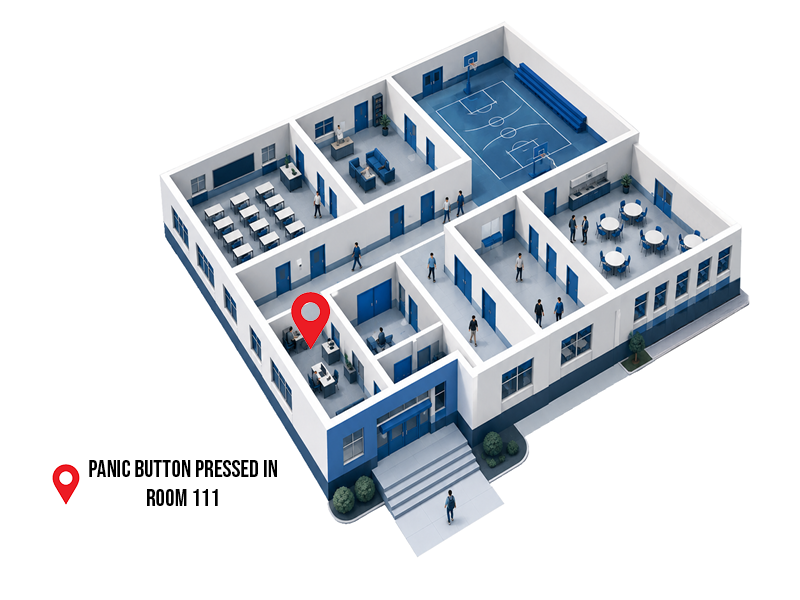
A building name may not be enough across a large school, hospital, hotel, warehouse, or office complex. Responders may need room-level or area-specific location information indoors and location awareness across exterior spaces.
Accurate location information can help responders move toward the reported area instead of searching classrooms, corridors, patient spaces, guest floors, or offices. It can also help administrators direct the appropriate resources and communicate more useful information to others involved in the response.
Organizations should evaluate indoor and outdoor location separately. They should also test accuracy throughout the actual environment, including stairwells, utility areas, parking areas, remote buildings, and other difficult coverage zones.
Situational Awareness Creates a Shared Operational Picture
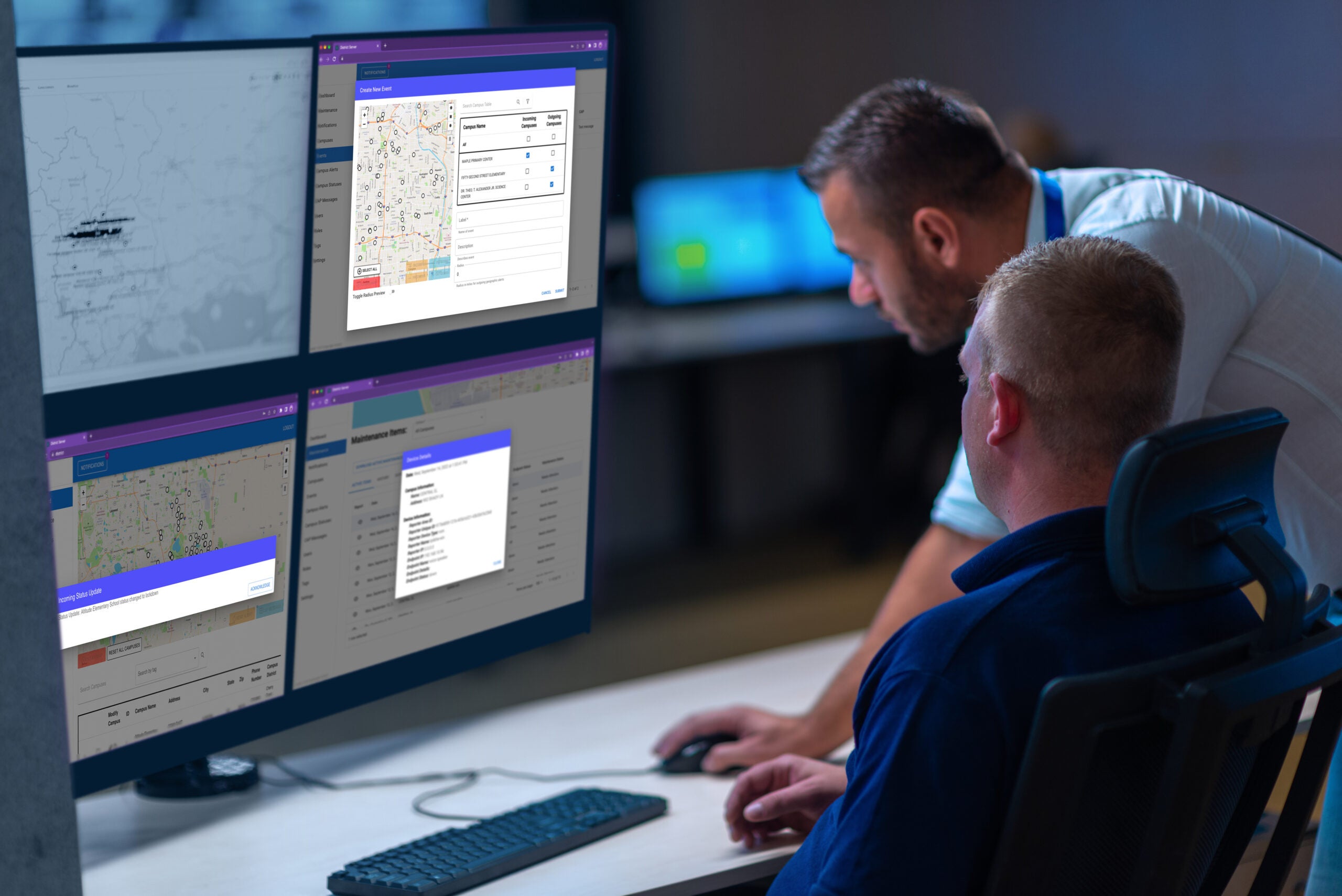
Effective emergency response requires both speed and visibility. Situational awareness gives decision-makers a shared view of the incident instead of forcing them to assemble information from separate calls, text messages, radios, and software screens.
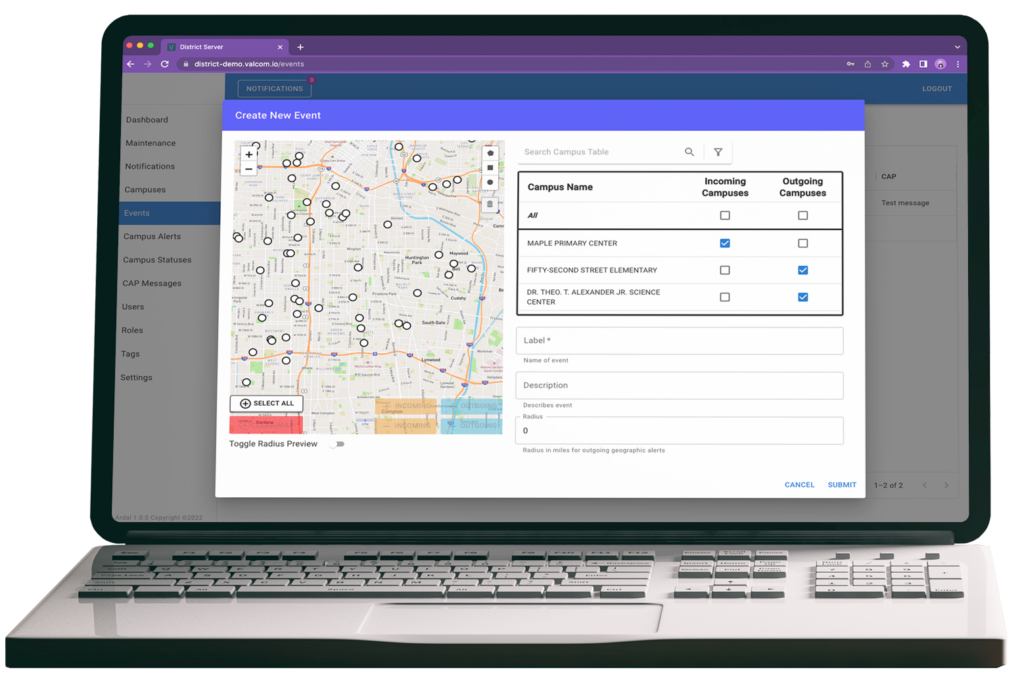
Depending on the platform and configuration, that shared view may show who activated an alert, where it originated, which workflow launched, which messages were distributed, which connected systems activated.
This information helps administrators and responders evaluate the situation, coordinate responsibilities, and identify communication gaps while the event is still active.

Connected Emergency Communications Coordinate Multiple Channels
Many organizations already use several communication and security technologies, including paging and IP speakers, visual messaging, mobile notification, telephone systems, two-way radios, access control, and video surveillance.
When those technologies operate independently, staff may need to launch several actions manually. Under pressure, that process can introduce delays, duplicate work, or missed steps.
An integrated emergency communication system can connect a wearable alert to predefined actions across multiple channels. Based on the incident type and approved workflow, activation might:
- Notify administrators or security personnel
- Send mobile or desktop alerts
- Deliver audible announcements or tones
- Display visual emergency messages
- Initiate a staff-assist, lockdown, evacuation, or other approved workflow
- Share information with integrated third-party systems
Automation handles defined communication steps consistently so people can focus on assessing the incident and carrying out their responsibilities. Workflows should still include clear ownership, acknowledgement rules, fallback channels, and escalation paths.
Notification and Coordination Are Not the Same
Notification tells people that something happened. Coordination helps them understand what to do next.
A connected wearable panic button solution can support coordination by delivering useful information to the right people, activating approved communication channels, recording acknowledgements, and escalating when an alert is not addressed.
The same infrastructure may also support routine operations, such as staff assistance or operational notifications, alongside emergency response. This can help organizations gain more value from communication technology they already use without requiring every established system to be replaced.
What to Evaluate After the Button Press
The most useful product evaluation begins after activation. Ask vendors to demonstrate the complete workflow in the environment where the system will operate.
Location
What indoor and outdoor location information appears, and how has accuracy been validated?
Identity and Alert Level
Can responders see who requested help and distinguish a staff-assist request from an emergency?
Distribution
Which people, groups, and communication channels receive each type of alert?
Alert Confirmation
Does the user receive feedback that the alert has been sent?
Escalation
What happens if the first recipient or channel does not respond?
Integration
Which existing paging, visual, radio, access-control, video, and notification systems can participate?
Resilience
How are system health, device power, coverage, network dependencies, and fallback procedures monitored and tested?
The answers should be documented in the organization’s emergency plans, training, drills, and system maintenance procedures.
How Does V-Guardian Go Beyond the Button
Valcom designed V-Guardian Alert as a wearable panic button connected to a broader communication ecosystem. The goal is to combine discreet activation with location awareness and coordinated communication workflows.
Depending on system design and configuration, V-Guardian Alert can provide:
- Discreet wearable emergency activation
- Configurable staff-assist and emergency alert levels
- Room-level indoor location awareness and outdoor GPS location capabilities
- Immediate notifications to designated personnel
- Integration with Valcom paging and visual notification infrastructure
- Open integration options for complementary communication and security technologies
- RapidSOS integration, when configured, to help provide location information to participating emergency communication centers
By connecting the alert badge with location and communication workflows, V-Guardian Alert helps organizations move beyond a basic notification toward a more informed and coordinated response.
Frequently Asked Questions
A wearable panic button is a device carried or worn by an authorized user that can discreetly initiate a request for assistance or an emergency alert. Capabilities vary by system and may include multiple alert levels, location awareness, acknowledgement, and automated communications.
Location awareness helps administrators and responders determine where assistance is needed. Room-level information may be especially important in large or complex indoor environments where a building address alone is not actionable.
Some platforms can integrate with paging, visual messaging, mobile alerts, radios, access control, video systems, or third-party emergency services. Organizations should confirm specific compatibility, configuration requirements, and workflow behavior during evaluation.
When evaluating wearable panic button solutions, look beyond whether an employee can discreetly request help. Ask what information appears, which systems activate, who takes ownership, how the event escalates, and how the entire workflow is tested.
The button starts the alert. Connected communications help turn that alert into action.